Where did mydata go?
Dataly watches your internet usage and the devices you own, and gives you a plain answer. Down to the day, the hour and the device.
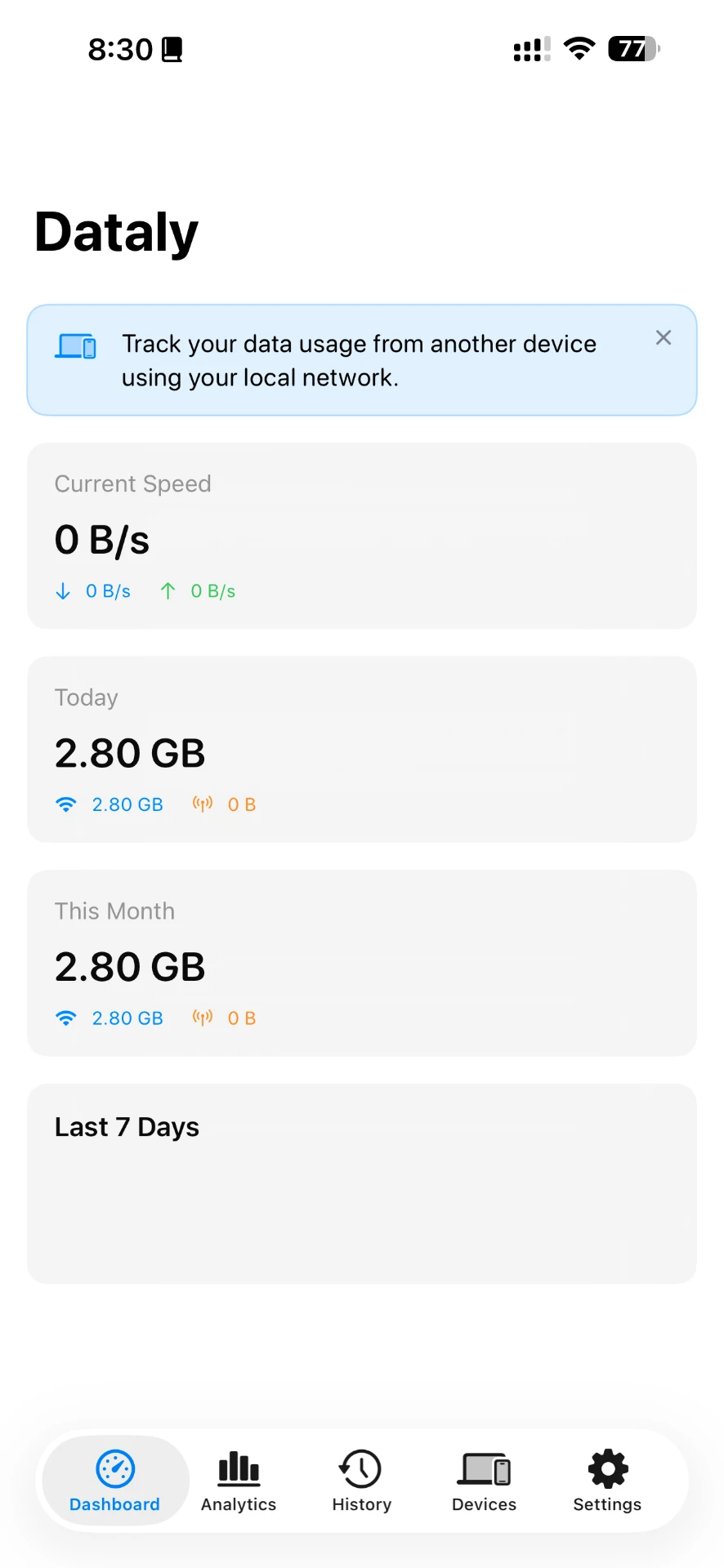
Open the app.There's your answer.
Live speed, today, this month. No setup, no dashboards to build, no numbers you have to interpret.
Today
0.00GB
Wi-Fi 2.80 GB, cellular 0 B
This month
0.00GB
Across every tracked day
All devices today
0.0GB
This device plus 2 paired
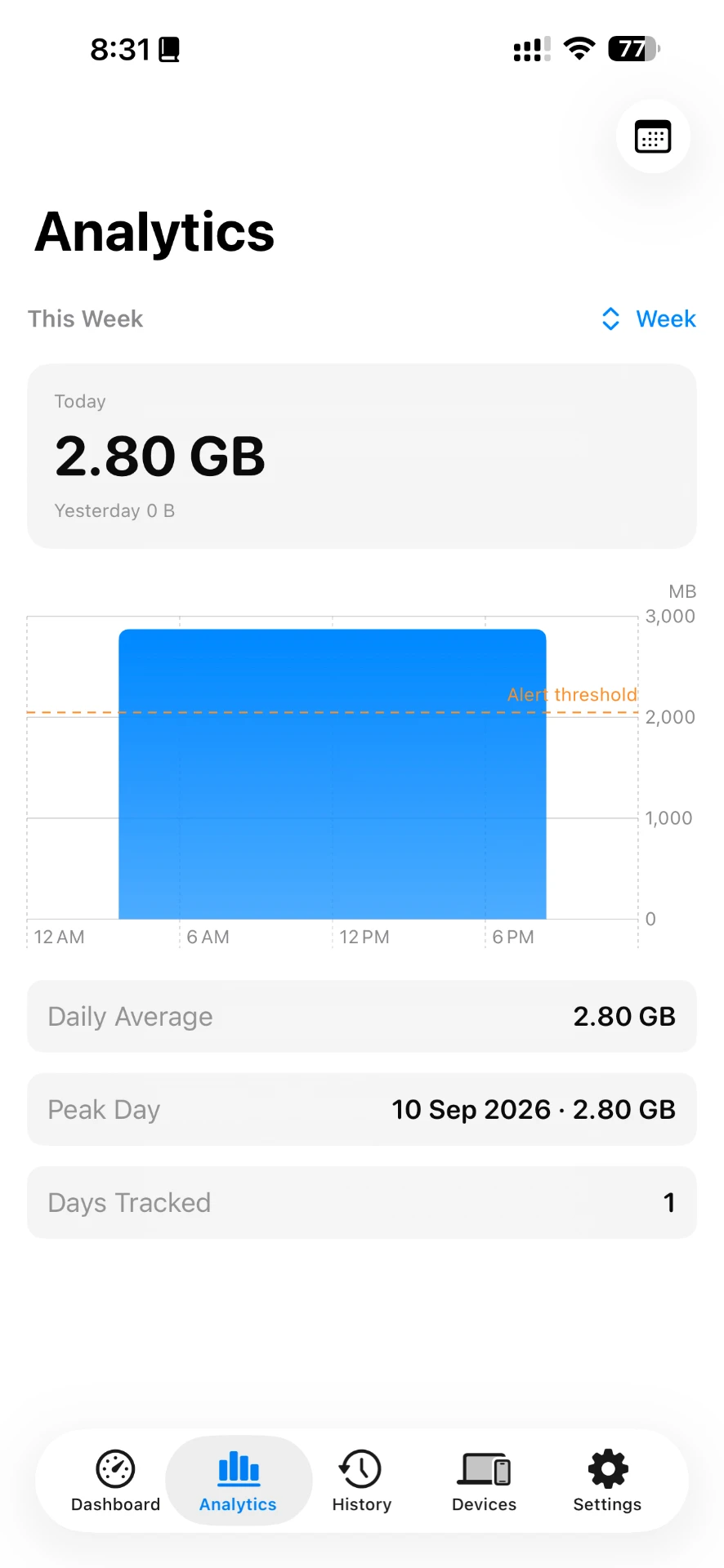
Days becomea pattern.
Watch a week, a month, a peak day. Set a threshold and Dataly tells you when a day is running hot, before the bill does.
Last 7 days
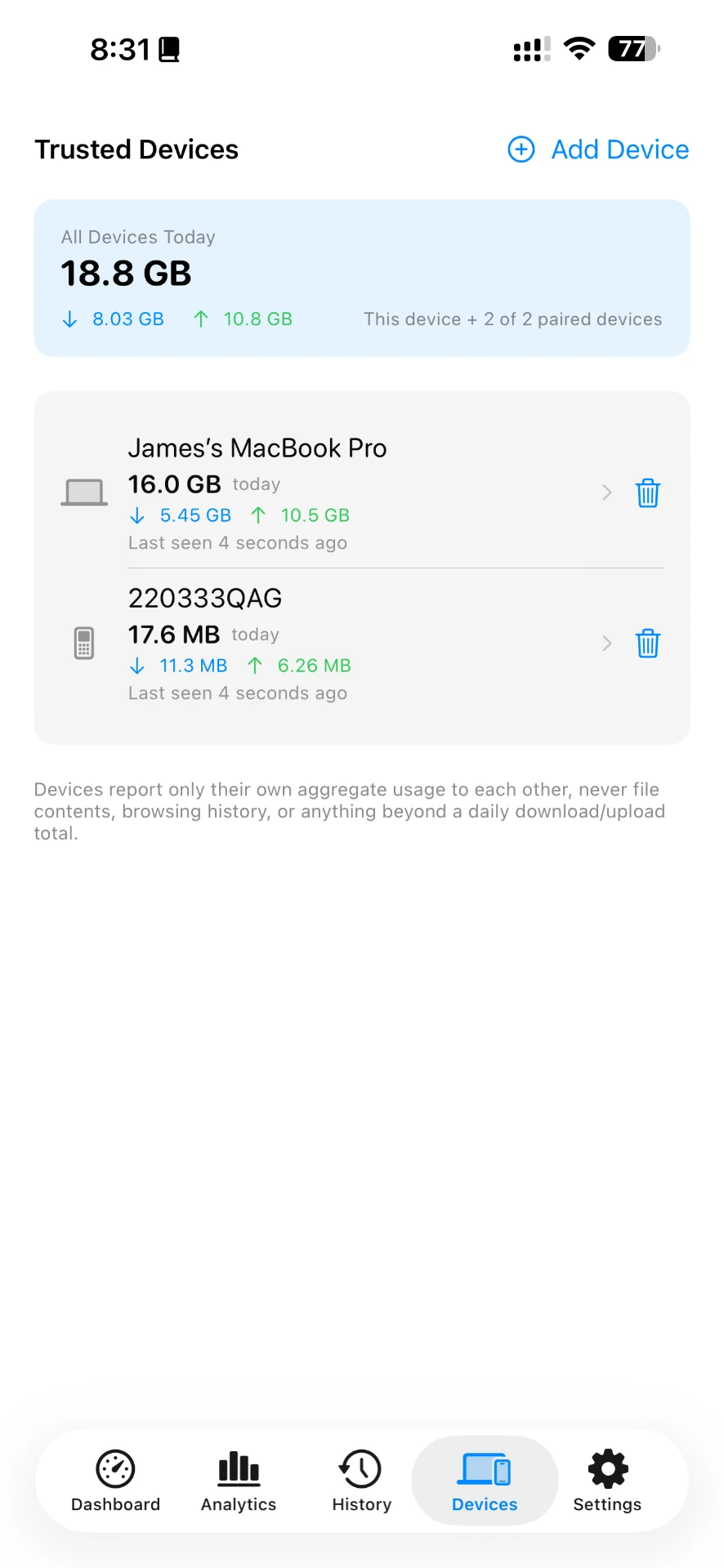
It's rarelyjust one device.
Check your Mac from your phone. Check your phone from your Mac. Dataly adds them up so you can see which one is actually using the connection.
Each device reports one thing to the other: its own daily download and upload total.
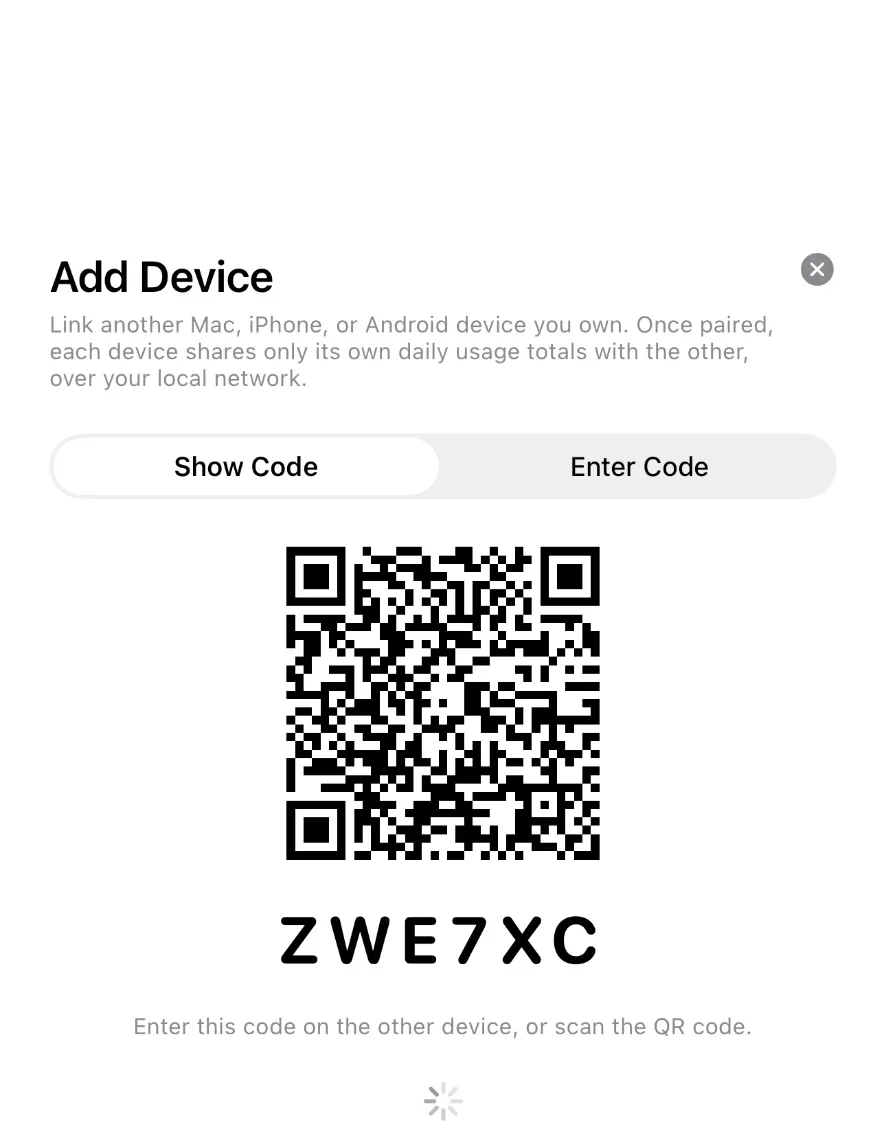
Pairing takesabout ten seconds.
- 01
Show a code
One device shows a QR code and a six-character code.
- 02
Enter it once
Scan or type it on the other device. That's the whole pairing.
- 03
They stay in touch locally
Paired devices exchange their daily totals over your own network.
Numbers travel.Nothing else does.
Pairing two of your devices lets them tell each other how much data they used. That is the entire conversation, and it happens on your local network.
What a paired device shares
- A device name
- Its daily download total
- Its daily upload total
What it never shares
- Files or documents
- Browsing history
- Messages, photos or accounts
- Anything about what you were doing

Know where it went.
Dataly for iPhone, Android and Mac, with Windows in development. Pair the devices you own and see the whole picture.
Also available for Mac.